
De-Aging Prompt for AI Image Editing: 4 Templates
Write a clearer portrait-edit prompt by naming what must stay the same, what should look younger, and what the model must leave alone. These examples are creative starting points, not guarantees about identity or a person's real past.
The short answer: define the edit and protect the source
A useful de-aging prompt for AI image editing names what must stay fixed before it asks for a younger-looking change. Give the editor one adult reference portrait, set a reasonable younger-adult direction, list the identity cues to preserve, allow only a few age-related adjustments, and say what must not change. Review the result beside the source; wording guides an edit but cannot guarantee identity or recreate a real past.
A simple structure is: keep the same person and composition; change only the requested age cues; preserve natural detail; avoid unrelated edits. Start with a modest change, generate one version, and adjust one instruction at a time. If you prefer a guided age control to writing prompts, compare the browser workflow in De-Age Photo Online.
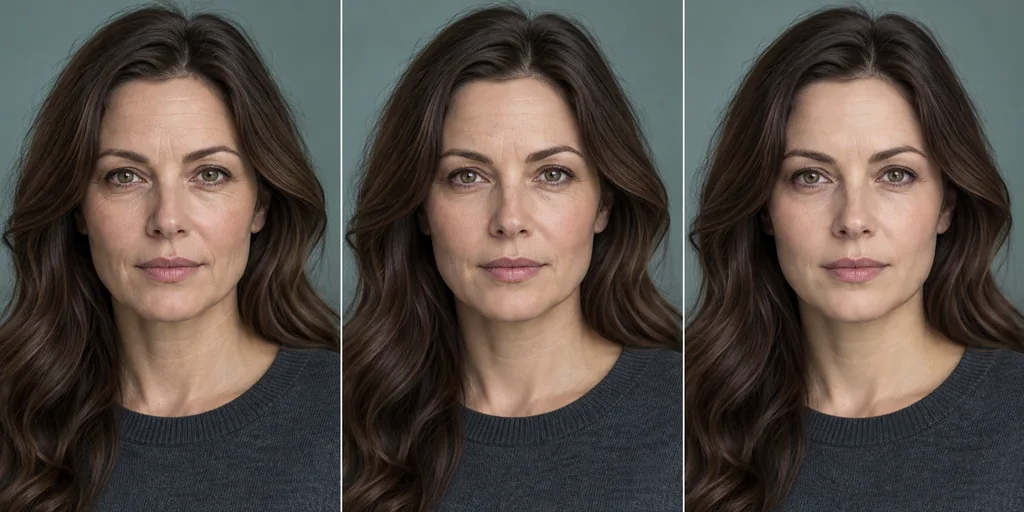
What a de-aging prompt for AI image editing can control
A prompt pairs an editing goal with a reference image. It can state the age direction, details to preserve, and allowed changes, but the editor still interprets the request; wording is guidance, not a mask or identity lock.
For a younger-looking adult, request a plausible adult appearance and one or two visible age cues. Keep face shape, expression, camera view, clothing, lighting, and background fixed unless they are part of the edit.
Preserve
Name the adult's face outline, eye spacing, expression, pose, framing, clothes, and scene.
Change
Choose a younger adult direction and one or two cues, such as skin texture or hair tone.
Exclude
Rule out identity changes, beauty filters, invented accessories, and unrelated scene edits.
Four practical de-aging prompt templates
Adapt the prompt to the editor and source. If the result drifts, remove one request and retry.
These examples target adult portraits. They request a creative edit, not a historical reconstruction; some editors may generate a new image instead of editing the reference.
A balanced younger-adult portrait
Use this when you want an overall younger appearance while retaining the original composition and recognizable features.
Best for: A first, moderate de-aging edit
Watch for: The model may still reinterpret small facial details
Example prompt
Edit this adult portrait to show the same person slightly younger. Preserve face shape, eyes, nose, expression, pose, camera angle, clothing, lighting, and background. Make subtle age-related changes, keep natural skin texture, and do not add a beauty filter or change identity.Soften visible age cues only
Choose this when the main goal is a restrained edit rather than a large age shift or a new style.
Best for: A light touch on skin texture and facial fullness
Watch for: A narrow request can produce a less dramatic result
Example prompt
Keep the same adult and portrait. Make the face modestly younger by softening age-related texture and restoring slight facial fullness. Preserve pores, expression, proportions, hairline, light, and background. Avoid plastic skin, heavy smoothing, makeup changes, or identity changes.Adjust gray hair with the age edit
Use this only when hair tone is part of the intended younger-looking result; keep the haircut and texture stable.
Best for: A portrait where gray hair is a prominent age cue
Watch for: Hair color can change more readily than facial identity
Example prompt
Make a subtle younger-adult edit of this portrait. Preserve identity, face shape, hair length and style, expression, pose, clothes, and scene. Reduce visible gray naturally while keeping individual strands and realistic skin. Do not change eye color, add makeup, or alter the background.Lock the scene while editing the face
Use this when the background, clothes, and framing matter as much as the age direction.
Best for: Consistent profile, family, or character reference images
Watch for: Text cannot guarantee exact pixel preservation
Example prompt
Use the supplied image as the source. Keep the same adult, framing, camera view, expression, clothes, light, and background. Make a restrained younger-adult edit to facial age cues while retaining recognizable features and natural texture. Do not replace the scene or create a new portrait.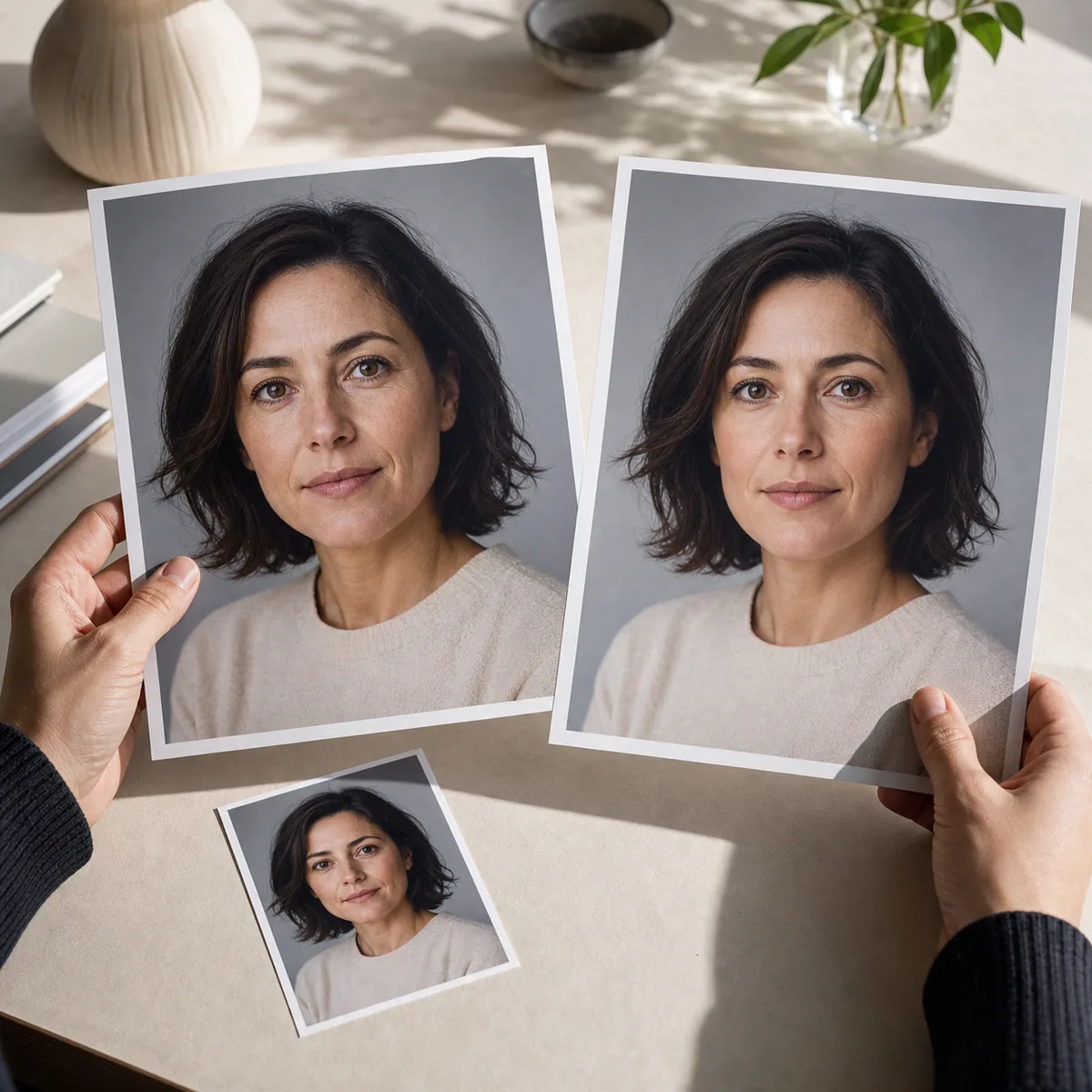
A repeatable workflow for prompt-based de-aging
Treat each generation as a test of one brief. Save the source and compare the result before adding instructions. If it drifts, name the unwanted change and revise that constraint; a controlled sequence is easier to assess than a prompt with many requests.
For a larger edit, test moderate variations separately with the same source. A generated version is not proof of how someone looked in the past.
Prepare the reference photo before prompting
A prompt cannot recover details missing from the source. Choose a sharp, evenly lit portrait with the eyes, face outline, and hair visible; a simple background helps reveal unrelated edits.
Use one person and avoid heavy filters, sunglasses, masks, blur, harsh shadows, or tiny faces. If the photo is limited, expect a rough result rather than asking the editor to preserve details it cannot see.
One visible adult
Keep one face prominent in the frame so the requested edit has a clear subject.
Usable detail
Choose enough resolution and even light to inspect eyes, skin texture, and the face outline.
Stable scene
A simple background and unobstructed face make unintended changes easier to catch.
Permission
Use your own image or a portrait you have permission to edit and share.
How to review a de-aging edit
Compare the edit beside the original at the same size. Check the face first, then the scene and styling. Keep it only if the requested change is visible and unrelated changes are acceptable.
If the person looks different, reject the result instead of intensifying the age request. Try another source or remove a requested change; prompt clarity cannot make the image an accurate record of the past.
| Review point | Ask | Next step |
|---|---|---|
| Identity | Do the face outline, eyes, nose, and expression still look like the same person? | Reject identity drift; simplify the request or change the source. |
| Age direction | Does the portrait look subtly younger while remaining an adult? | Adjust the age direction without requesting a specific real past. |
| Texture | Does skin still look natural rather than plastic or uniformly blurred? | Remove smoothing language and request natural detail. |
| Scene | Did clothing, lighting, pose, or background change without permission? | Add only the missing invariant to the next prompt. |
| Disclosure | Could someone mistake the edit for a real historical photograph? | Label it as an AI-generated creative edit when context is unclear. |
Use AI de-aging prompts responsibly
A de-aging edit cannot confirm age, recover an exact former appearance, or establish identity. A preprint on one StyleGAN2 method describes identity preservation as a challenge; it does not show that consumer editors or prompts guarantee identity.
Use an image you own or may edit. Review a service's privacy and retention terms before uploading, and do not present an edit as an authentic record. See this site's Privacy Policy before starting.
Source and further reading
This research concerns one synthetic face-editing method; it supports caution about identity preservation, not claims about consumer-tool accuracy.
- Identity-Preserving Aging and De-Aging of Faces in the StyleGAN Latent Space — 2025 preprint evaluating identity preservation with a specific StyleGAN2 approach.
- AI Age Filter Privacy Policy — Review site-specific upload and data-handling information before using a personal portrait.
De-Aging Prompt for AI Image Editing FAQ
What is a de-aging prompt for AI image editing?
It pairs a portrait with instructions for a younger-looking adult edit. Name what to preserve, the age direction, allowed changes, and what to avoid.
Can a prompt guarantee that the edited face stays identical?
No. Wording guides an edit but cannot lock pixels or identity. Compare the result with the source and reject major drift.
What prompt makes a photo look younger naturally?
Ask for a subtle younger-adult appearance, preserve face shape and expression, and limit changes to one or two age cues. Avoid mixing in beauty, makeup, and lighting edits.
Should I include a target age in an AI de-aging prompt?
A direction such as slightly younger adult may be enough. Any age is a visual target, not a guarantee of appearance.
Why does an AI editor change the background or clothing?
It may reinterpret the whole image. Mark framing, clothes, light, and background as fixed; exact preservation may require masking or layers.
Can I use a de-aging prompt on an old photo?
Yes, if you have permission, but damage or blur limits what can be preserved. Keep the original and label the result as a generated edit, not a recovered fact.
Continue exploring AI age editing
Ready to try a guided de-aging edit?
Choose a clear adult portrait, pick a modest target, and review the generated result as a creative simulation.
Open De-Age Photo Online