
AI Aging Filter Accuracy: What It Can and Cannot Predict
An AI aging filter can create a convincing older-looking portrait, but a convincing image is not a verified forecast. Learn how to separate visual simulation from age estimation, test a result, and use it responsibly.
The short answer: realistic is not the same as accurate
AI aging filter accuracy depends on the question you are asking. A filter can be accurate enough to communicate an age direction, such as making a portrait look more mature, while still being unable to predict the person’s real future face. The model edits visible cues in one image; it does not observe genetics, health, sun exposure, lifestyle, future hair, weight, or changes in expression.
For that reason, an AI-aged portrait is best treated as a creative simulation. Use it to compare possible styles, plan a character, or satisfy curiosity. Do not use it as proof of a person’s age, a medical assessment, an identity record, or a promise about what someone will look like later. The sections below give you a practical way to review the output without turning a visual guess into a factual claim.
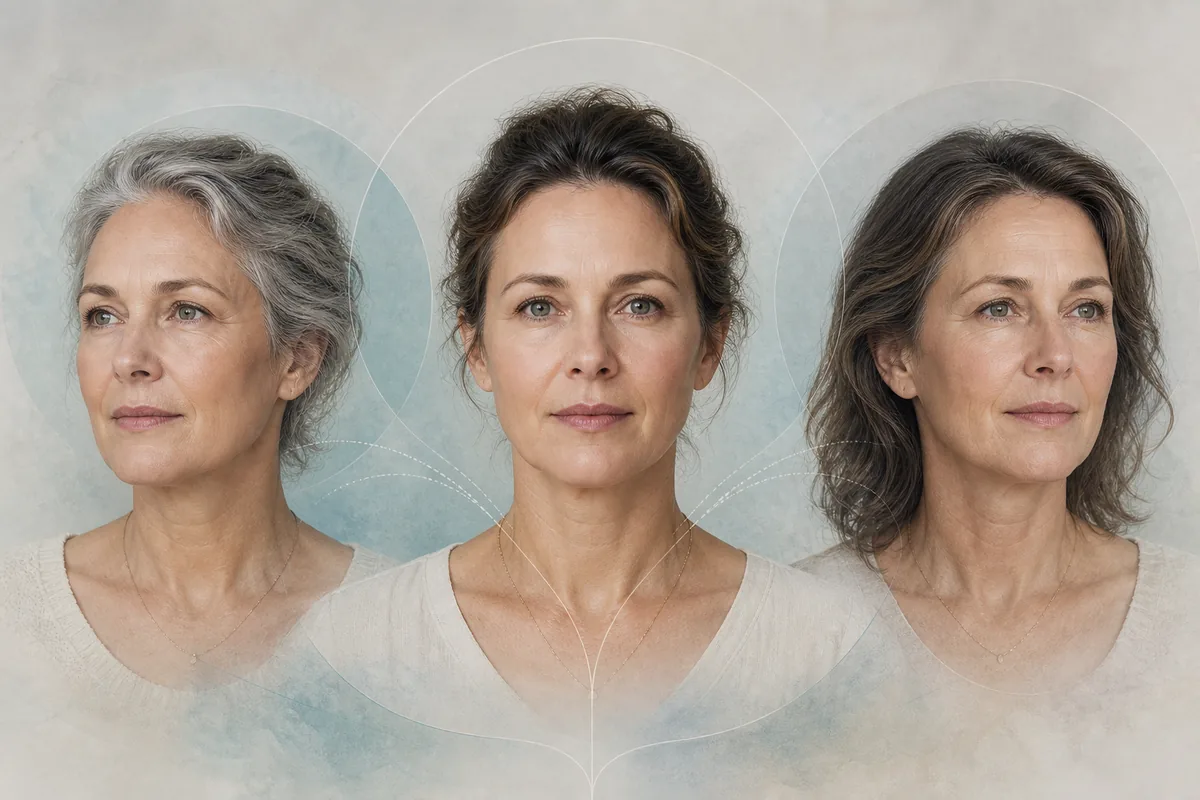
What AI aging filter accuracy actually means
People often use accurate to mean three different things. They may mean that the output looks like the same person, that it clearly moves toward the requested age, or that it predicts a real future appearance. Only the first two are reasonable visual checks. The third is not something a single consumer image edit can establish.
Age editing and age estimation are also different tasks. An age-estimation system tries to infer an age label or range from an image and can be evaluated against a labeled dataset. An age filter generates a new image that follows a direction such as older, younger, or a target life stage. Research on one model or one standardized dataset cannot be transferred directly to every consumer filter, so avoid borrowing a research percentage as a guarantee for a creative portrait tool.
Direction
Does the image communicate the requested older or younger direction without turning into an unrelated style change?
Identity
Do the face outline, eyes, nose, mouth, jaw, expression, and hairline still belong to the same person?
Prediction
A plausible visual direction is not evidence of the person’s exact future biology, age, or life circumstances.
Why two believable results can disagree
An age filter is generating an interpretation, not measuring a hidden timeline. If you run the same portrait at +10, +25, and +40 years, the model may change skin texture, hair tone, facial fullness, lighting, or expression in different combinations. Two outputs can both look coherent while disagreeing about details. That variation is a property of image generation, not a secret answer about which future is correct.
The source image also limits what the model can preserve. A tiny face, a strong beauty filter, a dark side light, sunglasses, or a cropped hairline removes clues that help the system keep identity stable. When information is missing, the model fills gaps with learned patterns. Those invented details can make an image attractive while reducing its usefulness as a comparison.
Moderate age change
Start with a modest target so you can see whether the system adds restrained age cues instead of replacing the face.
Best for: A first baseline
Watch for: A subtle result may be less dramatic but is easier to review
A useful test question
Does this still look like the same person after a moderate age change?Repeated target ages
Keep the photo fixed and compare several target ages. Look for a direction that develops gradually rather than unrelated faces appearing at each setting.
Best for: Checking consistency
Watch for: Different generations may still vary because the model is not deterministic
A useful test question
Do the changes progress in a sensible direction as the target age increases?Unchanged scene
Treat clothing, camera angle, background, and expression as review anchors. An age effect is harder to judge if the whole scene is redesigned.
Best for: Before-and-after comparisons
Watch for: Text instructions cannot guarantee pixel-level preservation
A useful test question
Did anything outside the intended age cues change?Identity-first review
Check the eyes, nose, jaw, mouth, and hairline before you judge realism. A photorealistic face that is no longer the same person is not a successful identity-preserving edit.
Best for: Personal portraits
Watch for: A stricter review may reject a visually impressive result
A useful test question
Would a person who knows the subject recognize the source identity?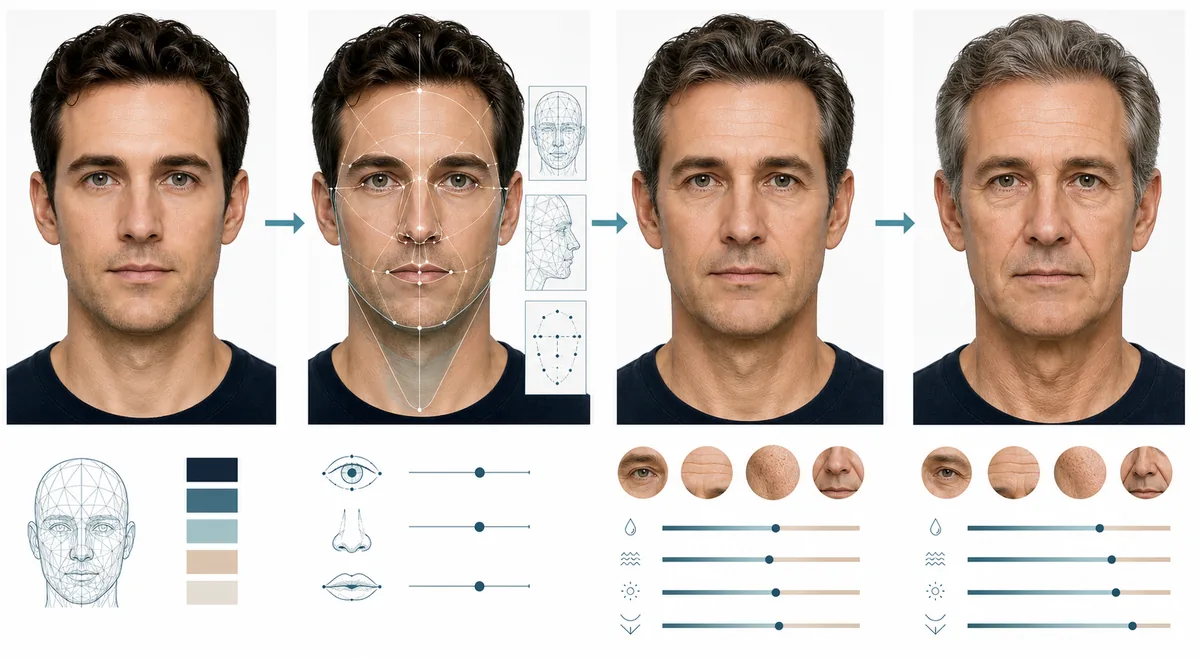
A repeatable way to test an AI aging filter
You do not need a laboratory to make a careful consumer comparison. You need a stable source, a small set of target ages, and a checklist that separates the requested change from everything else. Save the original file, record the target setting, and review each output at the same size. If you change the source, prompt, crop, and target at once, you cannot tell what caused a difference.
This process produces a useful personal comparison, not a scientific accuracy score. It helps you decide whether an output is suitable for a clearly labeled creative use and whether you should discard it because identity drift or unrelated edits are too strong.
Input quality and target age change the result
A high-quality source does not make an AI aging filter accurate in the predictive sense, but it gives the model more visible information to preserve. Choose a sharp portrait with even light, a visible face, and enough resolution to inspect the eyes, nose, jawline, skin texture, and hairline. Avoid a group photo, extreme makeup, sunglasses, masks, heavy blur, and a face hidden in shadow.
Start with a moderate age gap. A very large jump encourages stronger changes to hair, skin, face volume, and expression, which can be useful for a character concept but harder to evaluate as a future-self preview. If the first result looks exaggerated, reduce the age gap before adding more instructions.
One visible face
Keep a single subject large enough for the eyes and face outline to be inspected.
Neutral detail
Use natural lighting and remove strong beauty filters so texture is not confused with generated aging.
Recorded target
Write down the target age or direction so later comparisons remain meaningful.
Permission
Use your own photo or a portrait you have permission to edit and share.
The AI aging filter accuracy checklist
Review the source and generated image side by side at the same size. Start with identity, then inspect the requested age direction, then scan the rest of the frame. This order prevents a dramatic wrinkle pattern or realistic skin texture from distracting you from a changed face shape or a new person.
A failed check is useful information. Reject the output, try a clearer source, or choose a smaller age change rather than intensifying the request until the result looks more extreme. The goal is a controlled, labeled simulation, not a forced prediction.
| Review point | Ask | Next step |
|---|---|---|
| Identity | Do the eyes, nose, mouth, jawline, expression, and hairline still match the source? | Reject identity drift; simplify the request or change the photo. |
| Age direction | Is the older-looking change clear without becoming a random style or costume edit? | Reduce the target gap or remove unrelated style instructions. |
| Texture | Does skin remain varied and natural instead of plastic, flat, or uniformly blurred? | Use a sharper source and avoid smoothing language. |
| Scene | Did the model change clothes, lighting, pose, background, or accessories? | Keep the source and mark the result as limited when scene drift matters. |
| Disclosure | Could a viewer mistake the image for a real future portrait or an age document? | Label the image as AI-generated or keep it private. |
Privacy and responsible use
A face photo can be personal data, and an AI-aged copy can remain linked to the person in the original image. Read the service’s privacy and retention terms before uploading. Use only images you own or are permitted to edit, and avoid uploading another person’s portrait without consent. A result that looks realistic still does not establish identity, age, health, or a person’s future.
Do not use an AI-aged image to bypass age checks, impersonate someone, make a sensitive decision, or present a generated portrait as an authentic record. The safest use is a clearly identified creative preview, personal experiment, or permitted design concept. See the site Privacy Policy before using the browser tool.
Sources and further reading
These references provide context for facial aging signals, age-estimation limits, and responsible AI use. They do not turn a consumer age filter into a verified forecast.
- AI-based grading of facial aging signs and visible-age prediction — A 2026 internal evaluation of a standardized facial-aging grading system; its population and task are narrower than a consumer image editor.
- Can a Teenager Fool an AI? — A preprint showing why cosmetic changes can affect age-estimation systems; it is not a benchmark of age-progression portraits.
- NIST AI Risk Management Framework — General guidance for discussing trustworthy AI, limitations, and risk management.
- AI Age Filter Privacy Policy — Review site-specific upload and data-handling information before submitting a personal portrait.
AI Aging Filter Accuracy FAQ
Are AI aging filters accurate?
They can create a convincing older-looking simulation, but they cannot accurately predict a person’s exact future face. Treat the result as a creative interpretation and check identity drift.
What does AI aging filter accuracy mean?
It is clearer to separate direction, identity, and prediction. A filter may show the requested age direction and keep some identity cues while still inventing details and failing as a future forecast.
Can AI show what a person will look like at a certain age?
It can show one plausible visual scenario at a chosen target age. It cannot know genetics, health, lifestyle, sun exposure, hairstyle, weight, or future expressions, so it should not be presented as certainty.
How can I test an AI aging filter?
Keep one clear portrait fixed, compare several moderate target ages, record each setting, and review identity, age direction, texture, scene stability, and unwanted artifacts side by side.
What photo gives the most useful age progression result?
Use one sharp, well-lit face with visible eyes, jawline, hairline, and natural texture. Avoid group photos, sunglasses, masks, heavy filters, tiny faces, and deep shadows.
Is an AI-aged photo proof of someone’s real age?
No. An edited image is not age verification, a medical measurement, or an identity document. Do not use it to bypass checks or make decisions about another person.
Why do two AI age results look different?
The model generates an interpretation and may vary skin, hair, lighting, facial fullness, and expression. Different believable outputs are evidence of simulation, not proof that one is the true future.
Should I use a large target age to make accuracy better?
No. A large age jump usually creates stronger and less controlled changes. Start with a moderate gap and reduce it if identity or scene details drift.
Continue exploring AI age editing
Ready to create a careful age preview?
Choose a clear portrait, start with a moderate target age, and review the result as a labeled creative simulation rather than a prediction.
Open Age Progression Photo